Win the Client
Turn a quote into a signed job
For freelancers, consultants and small agencies.
Send your estimate with the documents that get a yes and protect the work: a proposal, a scope of work, a service agreement, a non-disclosure agreement, a change-request form for when the brief grows, a client onboarding questionnaire and a rate calculator to price the job before you quote.
Who it's for
For freelancers, consultants and small agencies who quote for projects and want the yes in writing. Use it when a lead asks for a price, when a job is big enough to need a contract, or when past projects have grown beyond what you were paid for.
What's in the kit
Editable files you download and keep. Word files open in Google Docs and Excel files open in Google Sheets.
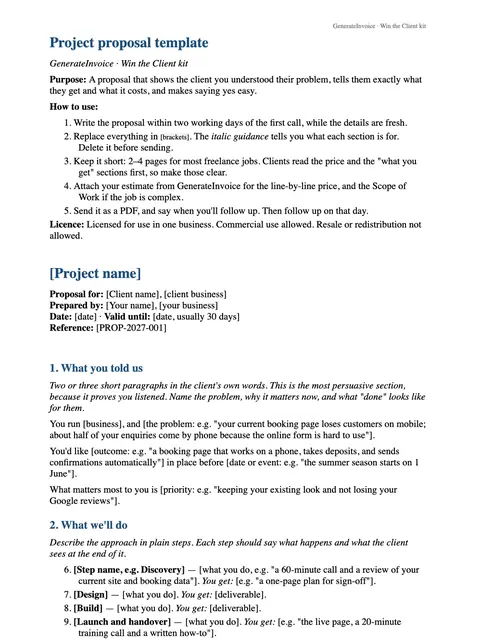
Proposal
Word · DOCX
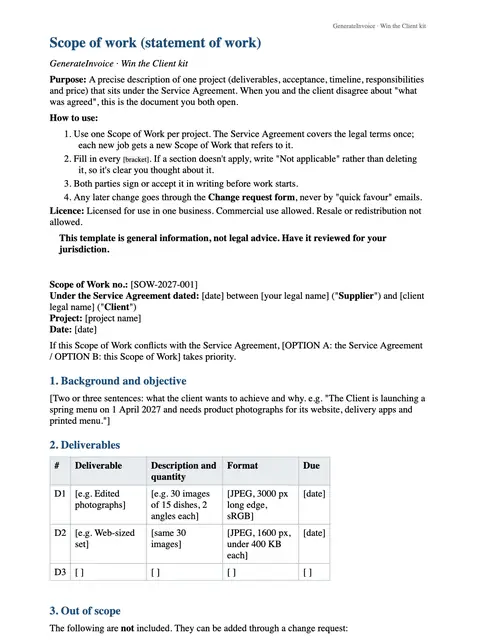
Scope of work
Word · DOCX
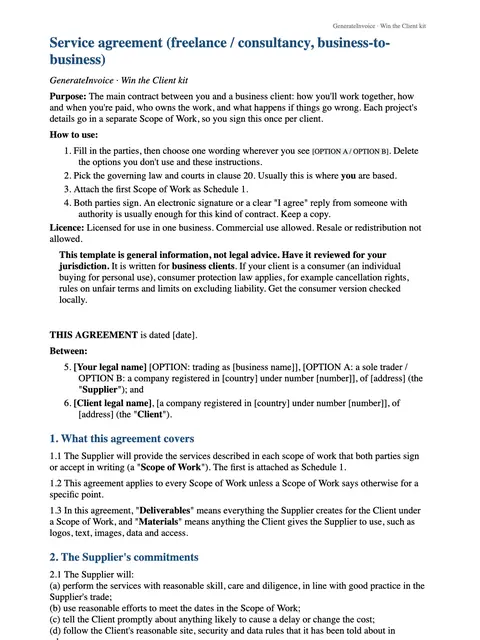
Service agreement
Word · DOCX
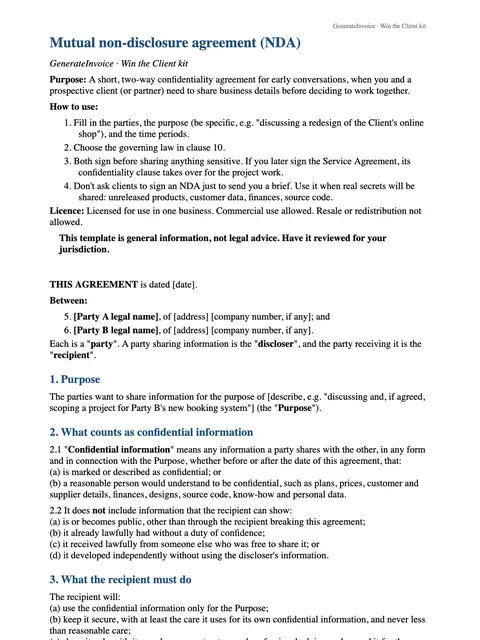
Non-disclosure agreement (NDA)
Word · DOCX
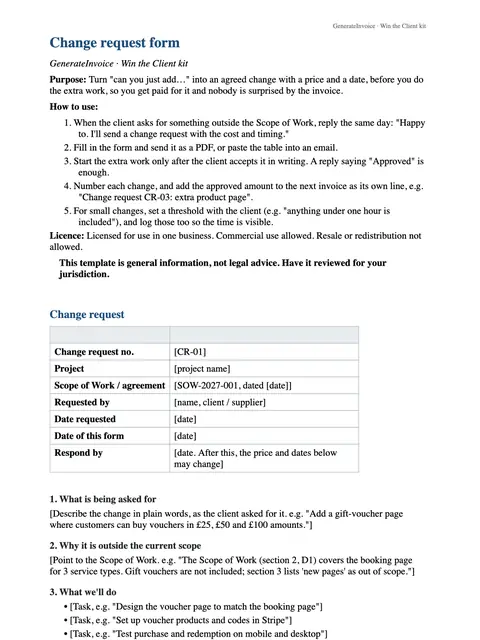
Change-request form
Word · DOCX
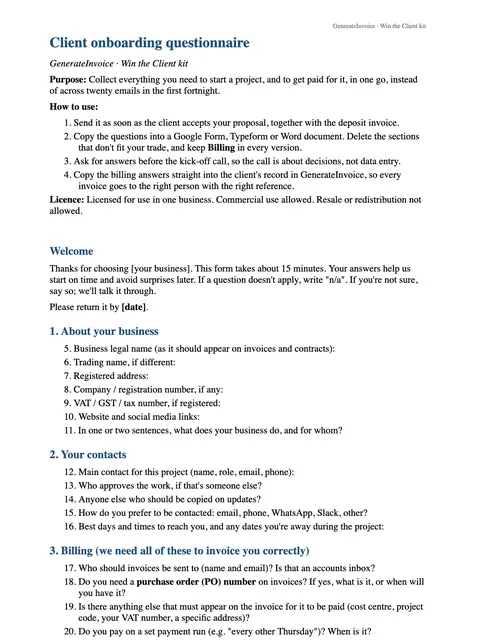
Client onboarding questionnaire
Word · DOCX
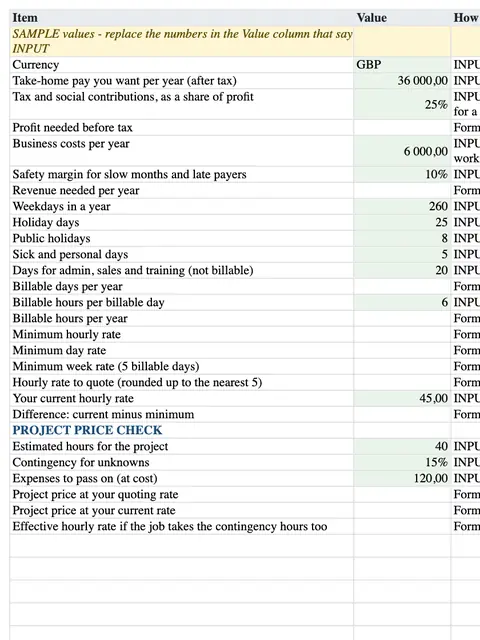
Rate calculator
Excel · XLSX
How to use each file
Rate calculator
Before you quote, work out a rate that covers your costs and the income you need, then price the job from it.
Non-disclosure agreement (NDA)
Sign it before either side shares confidential material, such as business plans, customer lists or code.
Proposal
Send it with your estimate. It explains the client's problem, your approach, the timeline and the price in their terms, not just a list of costs.
Scope of work
List exactly what is included, what is not, and what the client must provide. Attach it to the estimate so you both agree on the same job.
Service agreement
Once the client says yes, you both sign it. It covers payment terms, who owns the work, cancellation and liability.
Client onboarding questionnaire
Send it after signing to collect contacts, logins, brand files and goals in one go, instead of over a dozen emails.
Change-request form
When the brief grows mid-project, write down the change, its price and its effect on the deadline, and get it approved before you start the extra work.
An example
Imagine Sofia, a freelance marketing consultant in Lisbon, asked to quote for a website relaunch. She works out her day rate with the calculator, then sends the estimate with a proposal and a scope of work that leaves copywriting out. The client signs the service agreement. When they later ask for blog posts too, Sofia sends a change-request form with the extra price, so both the work and the bill stay agreed.
An illustration of how it is used, not a customer story.
Unlocks in GenerateInvoice
These appear in the document tools when you are signed in, and stay unlocked for good.
- 2 premium estimate themes
- Acceptance and signature block for estimates