Trades & Field Jobs
Run every job from first visit to final invoice
For tradespeople, contractors and field-service businesses.
The paperwork around the estimate and the invoice: a site visit report, a work order with a consumer cancellation section, a job sheet for every visit, a variation order for changes and a completion certificate for handover. Cancellation and payment rules differ between countries, so the legal documents carry notes for the UK, the US, the EU, Nigeria and India.
Who it's for
For tradespeople, contractors and field-service businesses, such as builders, electricians, plumbers, cleaners, gardeners and installers, who visit a site, agree the work and need a paper trail from the first visit to the final invoice.
What's in the kit
Editable files you download and keep. Word files open in Google Docs and Excel files open in Google Sheets.
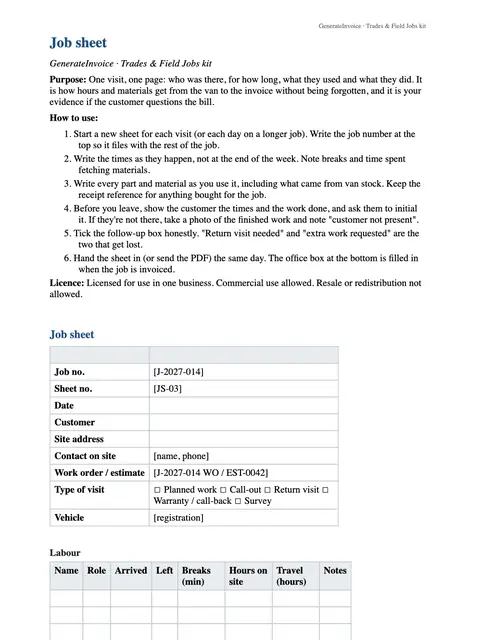
Job sheet
Word · DOCX
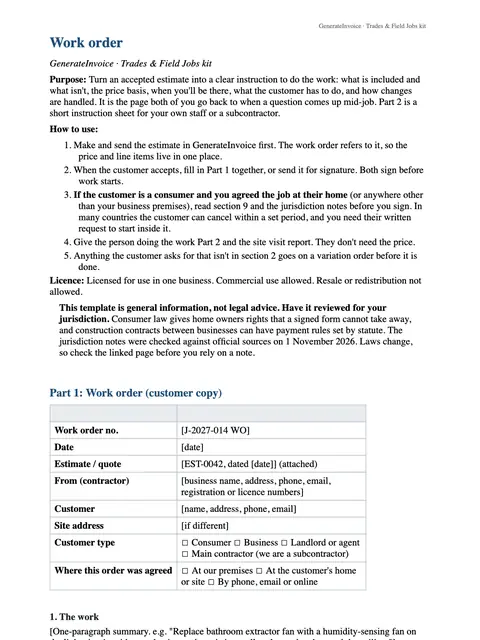
Work order
Word · DOCX
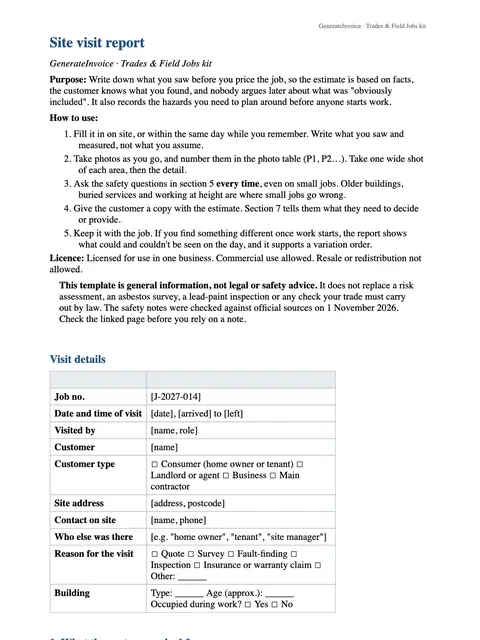
Site visit report
Word · DOCX
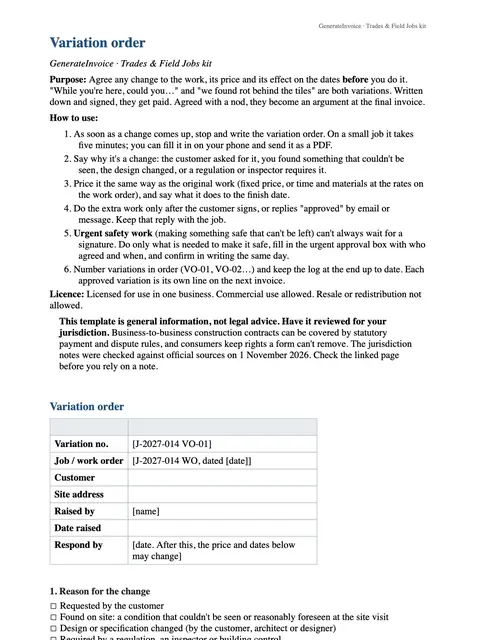
Variation order
Word · DOCX
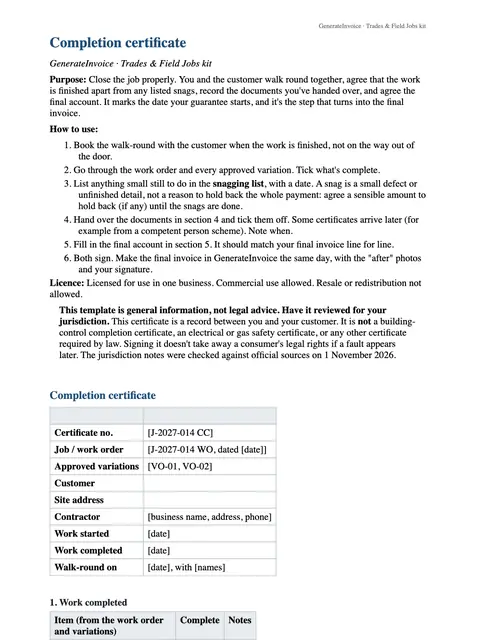
Completion certificate
Word · DOCX
How to use each file
Site visit report
Fill it in at the first visit with what you saw, measurements, photos and what the customer wants, so your estimate is based on facts.
Work order
Once the customer accepts your estimate, you both sign it to confirm the work, dates and price. Its cancellation section covers jobs for consumers.
Job sheet
Complete one for each visit: time on site, materials used and work done. It is the record behind your invoice.
Variation order
When the customer asks for something extra or different, write down the change and its price and get it signed before you do the work.
Completion certificate
At handover, walk through the job with the customer and have them sign it to confirm the work is finished, then send the invoice.
An example
Imagine Dave, an electrician in Leeds, asked to rewire a kitchen. He records the old wiring and the customer's wishes on a site visit report, sends his estimate, and gets the work order signed. Halfway through, the customer wants two more sockets, so Dave writes a variation order with the extra price. At the end the customer signs the completion certificate, and the invoice matches every signed page.
An illustration of how it is used, not a customer story.
Unlocks in GenerateInvoice
These appear in the document tools when you are signed in, and stay unlocked for good.
- Signature and photo blocks on your documents