Sell Across Borders
Bill and ship to customers abroad
For exporters and freelancers with clients in other countries.
For when your customer is in another country: a commercial-invoice guide, an Incoterms cheat sheet, a packing list, a multi-currency price list and reverse-charge wording by region.
Who it's for
For exporters, online sellers who ship abroad and freelancers with clients in other countries. Use it when goods cross a border and customs needs the right paperwork, or when a business customer abroad should account for the VAT themselves.
What's in the kit
Editable files you download and keep. Word files open in Google Docs and Excel files open in Google Sheets.
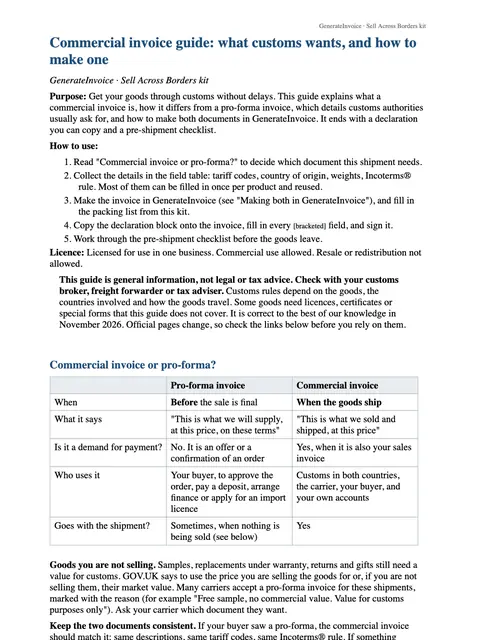
Commercial-invoice guide
Word · DOCX
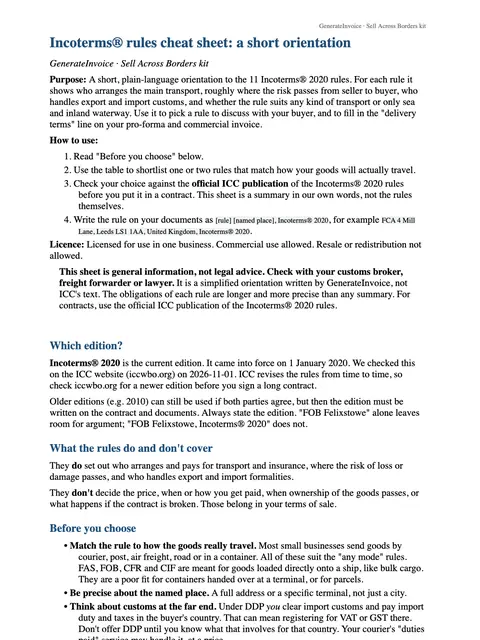
Incoterms cheat sheet
Word · DOCX
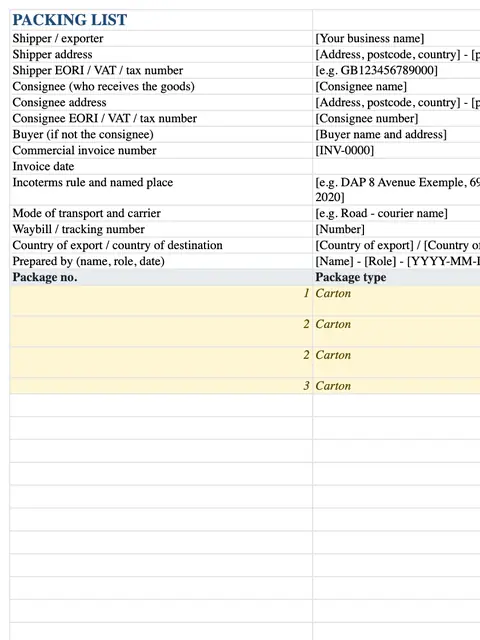
Packing list
Excel · XLSX
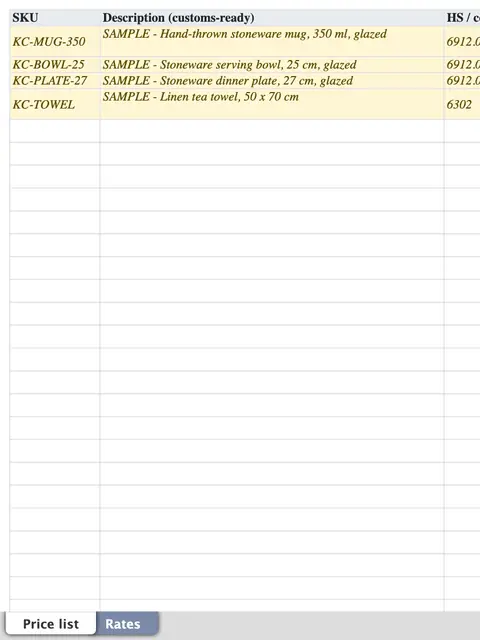
Multi-currency price list
Excel · XLSX
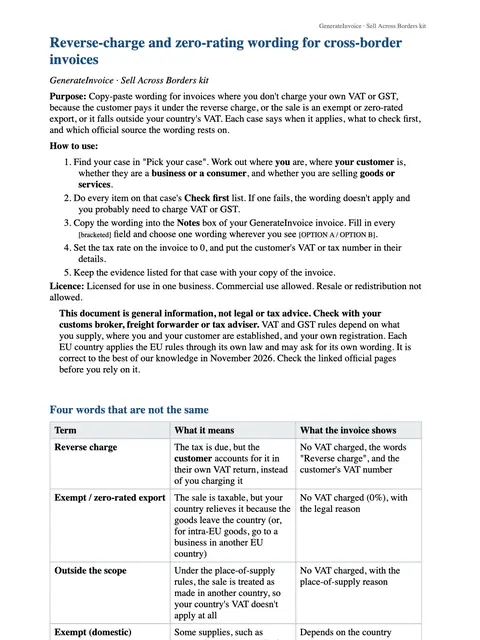
Reverse-charge wording by region
Word · DOCX
How to use each file
Incoterms cheat sheet
Pick one Incoterm and name it on your quote and invoice, so you and your buyer agree who pays for transport, insurance and duties, and where the risk passes.
Multi-currency price list
Keep your prices for each currency you sell in on one list, so every customer gets a quote in their own currency.
Commercial-invoice guide
Follow it field by field to prepare a commercial invoice: descriptions, commodity codes, origin, value and the Incoterm. The kit also unlocks a commercial-invoice theme in the invoice tool.
Packing list
List what is in each box, with weights and dimensions, to travel with the commercial invoice.
Reverse-charge wording by region
When you bill a business customer in another country and the reverse charge applies, copy the wording for their region onto your invoice.
An example
Imagine Lucía, who makes leather bags in Valencia and gets a wholesale order from a shop in Canada. She quotes with one Incoterm from the cheat sheet, so both sides know who pays the import duties, then prepares the commercial invoice by following the guide and puts a packing list in each box. Customs has what it needs, and the buyer knows the price they agreed to.
An illustration of how it is used, not a customer story.
Unlocks in GenerateInvoice
These appear in the document tools when you are signed in, and stay unlocked for good.
- Commercial-invoice theme
- Bilingual invoice layout