Get Paid On Time
Turn sent invoices into paid ones
For anyone whose clients pay late.
Start with a friendly nudge and escalate only when you need to. The kit has a seven-step reminder email sequence, first and final overdue notices, a letter before action, a clause library for payment terms and late fees, a statement of account, and an accounts receivable ledger with ageing and a weekly list of who to chase. The letters come in a general version plus UK, US and EU variants, each labelled with the jurisdiction it was written for.
Who it's for
For freelancers and small businesses who invoice on payment terms and spend too long chasing money. It suits you if a client regularly pays late, if several invoices are past their due date, or if you have no set routine for following up. The letters come in general, UK, US and EU versions.
What's in the kit
Editable files you download and keep. Word files open in Google Docs and Excel files open in Google Sheets.
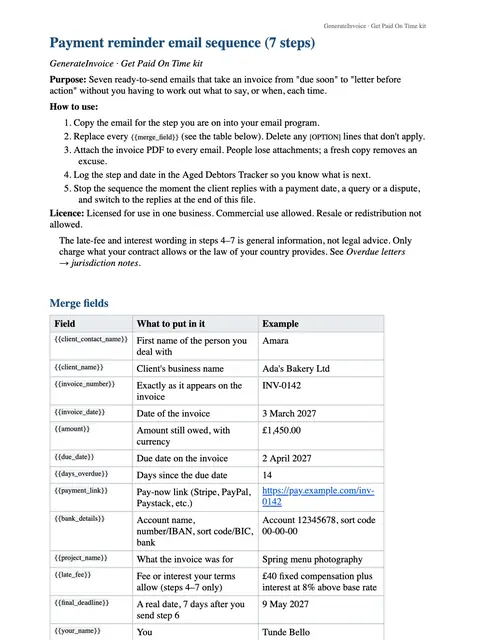
Seven-step reminder email sequence, from friendly to final
Word · DOCX
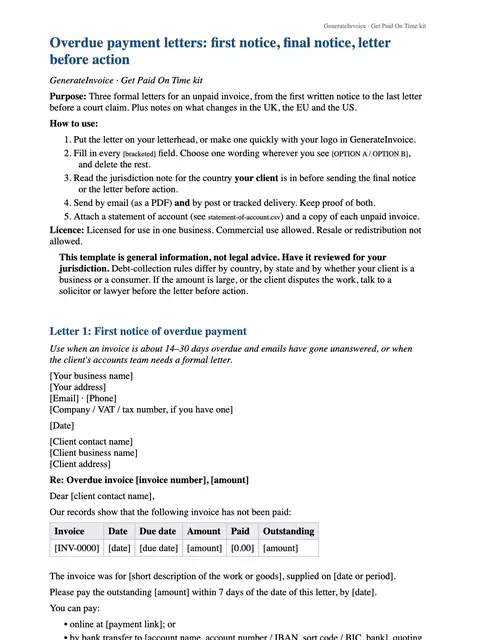
Overdue letters: first notice, final notice and letter before action (general, UK, US, EU)
Word · DOCX
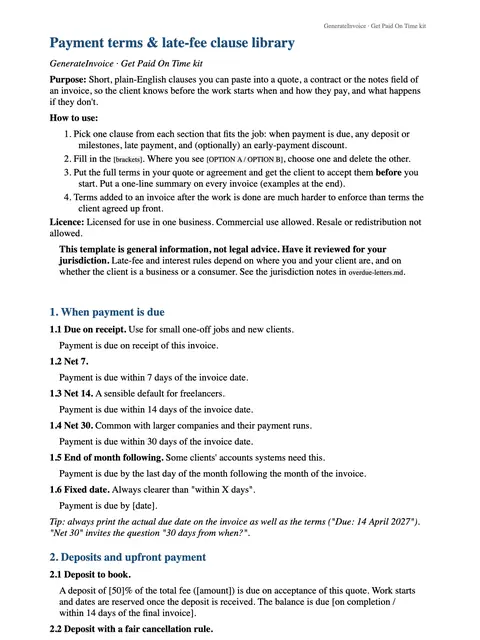
Payment terms and late-fee clause library
Word · DOCX
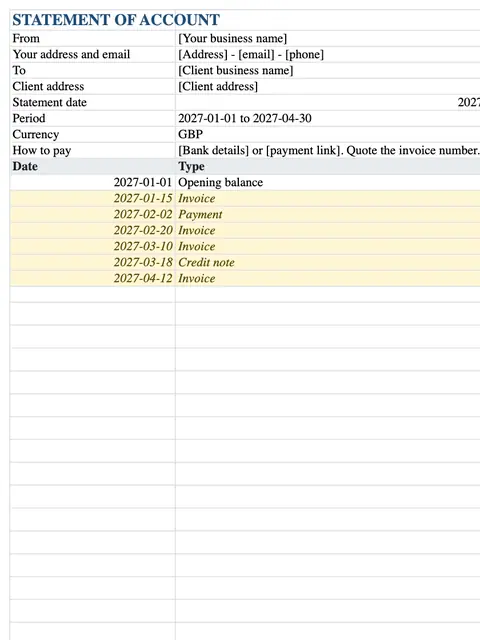
Statement of account
Excel · XLSX
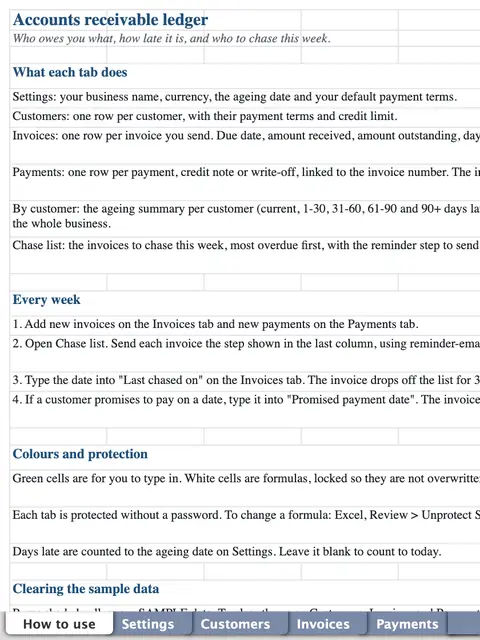
Accounts receivable ledger with ageing and a weekly chase list
Excel · XLSX
How to use each file
Payment terms and late-fee clause library
Before your next job, copy the payment-terms and late-fee clauses that fit your business into your proposals, contracts and invoice notes, so late payment has agreed consequences from the start.
Seven-step reminder email sequence, from friendly to final
When an invoice reaches its due date, send the emails in order as it gets later, starting with a friendly nudge. You never have to write a chaser from scratch.
Statement of account
Send it to a client with several open invoices, so they see every amount, payment and balance on one page before you chase.
Overdue letters: first notice, final notice and letter before action (general, UK, US, EU)
If the emails go unanswered, send the first overdue notice, then the final notice, and only then the letter before action. Use the version written for your client's country.
Accounts receivable ledger with ageing and a weekly chase list
Log each invoice and payment as it happens. The ageing columns show how late each one is, and the weekly chase list tells you who to contact first.
An example
Imagine Tunde, a web designer in Lagos, whose client in Manchester is three weeks late with an invoice. Tunde sends a statement of account with the next email from the reminder sequence. Another week passes, so he sends the UK first overdue notice, which quotes the late-fee clause already in their contract. The client replies with a payment date, and once the money arrives the ledger takes the invoice off the chase list.
An illustration of how it is used, not a customer story.
Unlocks in GenerateInvoice
These appear in the document tools when you are signed in, and stay unlocked for good.
- 3 premium invoice themes
- Payment-instructions block for invoices
- Paid and Overdue stamps