Back-Office Essentials
Run purchasing and close each month
For small businesses that buy from suppliers.
Bring order to buying and month end: a supplier onboarding form, a purchase-order log, a goods-received note, an accounts payable ledger with ageing and a list of bills due this week, an expense and petty-cash tracker, a monthly close checklist and a simple profit-and-loss and cash-flow sheet. It works alongside the free purchase order and credit note tools.
Who it's for
For small businesses that buy stock, materials or services from suppliers: shops, cafés, workshops, studios and anyone paying a steady stream of supplier bills. It brings order to purchasing and turns month end into a routine.
What's in the kit
Editable files you download and keep. Word files open in Google Docs and Excel files open in Google Sheets.
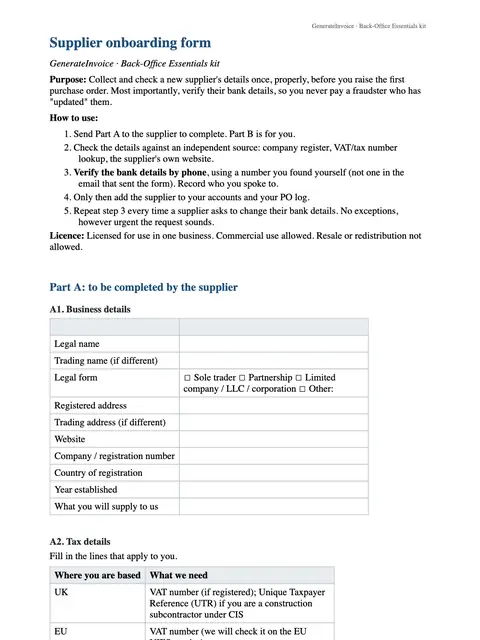
Supplier onboarding form
Word · DOCX
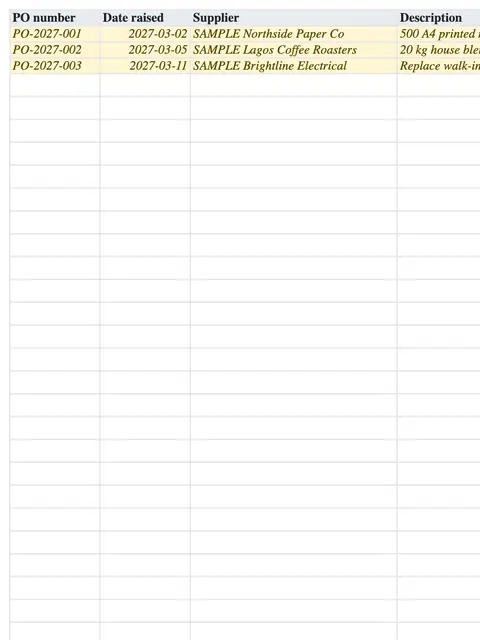
Purchase-order log
Excel · XLSX
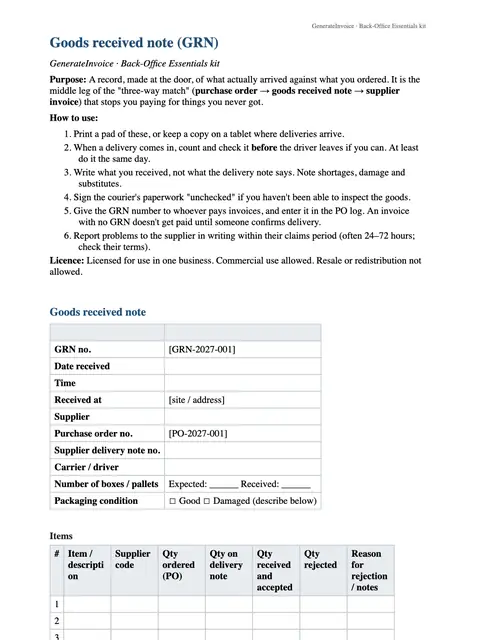
Goods-received note
Word · DOCX
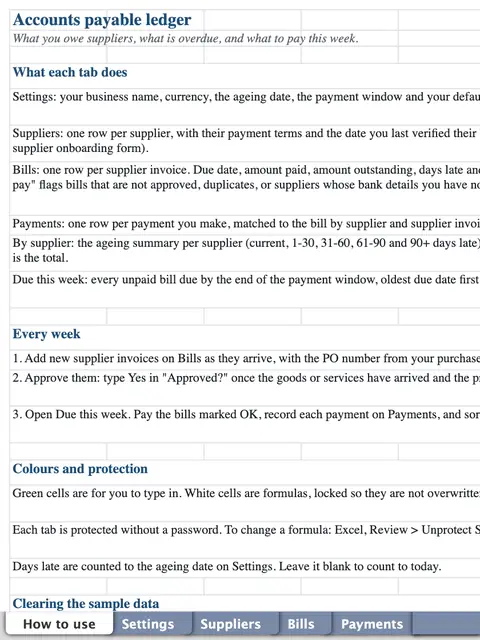
Accounts payable ledger with ageing and a due-this-week list
Excel · XLSX
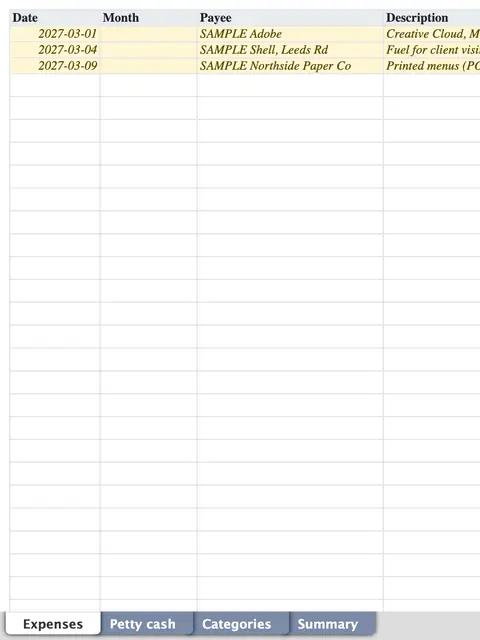
Expense and petty-cash tracker
Excel · XLSX
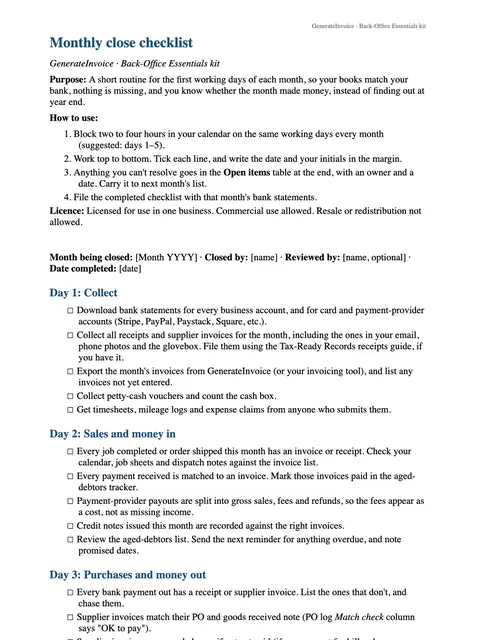
Monthly close checklist
Word · DOCX
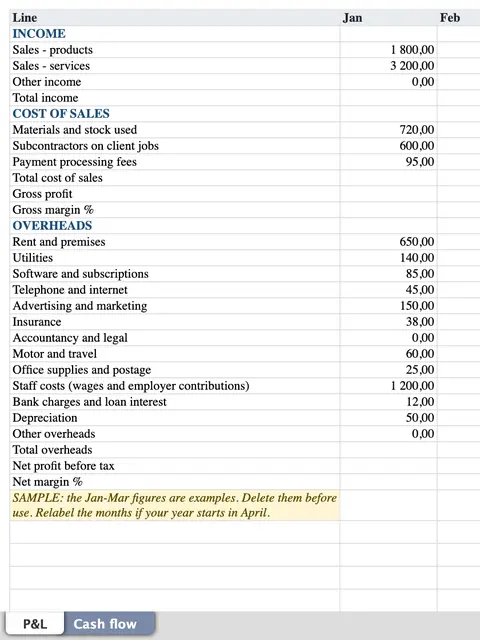
Profit-and-loss and cash-flow sheet
Excel · XLSX
How to use each file
Supplier onboarding form
Have each new supplier fill it in once, so you hold their legal name, bank details, tax number and terms before the first order.
Purchase-order log
Record every purchase order you raise, with what has arrived and what has been billed. The free purchase order tool makes the documents themselves.
Goods-received note
Check each delivery against its purchase order and note anything missing or damaged before you accept the bill.
Accounts payable ledger with ageing and a due-this-week list
Enter supplier bills as they arrive. The ageing columns and the due-this-week list show what to pay next, so nothing is paid late or twice.
Expense and petty-cash tracker
Log card spending and cash paid out of the till or petty-cash box, with a receipt reference on every line.
Monthly close checklist
Work through it in the first days of each month: reconcile the bank, match bills and receipts, and check what is owed in both directions.
Profit-and-loss and cash-flow sheet
Finish the close by entering the month's income and costs, to see the profit and how cash moved.
An example
Imagine Ana, who runs a small café in São Paulo and buys from several suppliers. When a new coffee roaster starts delivering, they fill in the supplier form. Every delivery is checked on a goods-received note, so a short delivery is caught before the bill is paid. At month end Ana works through the checklist, pays what the payables ledger lists as due, and sees the month's profit on a single sheet.
An illustration of how it is used, not a customer story.
Unlocks in GenerateInvoice
These appear in the document tools when you are signed in, and stay unlocked for good.
- Premium purchase-order, credit-note and receipt themes